 FlossLume
For cross stitchers
Your PDF chart, ready to stitch.
Turn PDF cross stitch charts into interactive projects and track every stitch.
- No account
- No ads
- Works offline
From PDF to first stitch in three steps
No retyping of symbols, no paper copies, no highlighter pens.
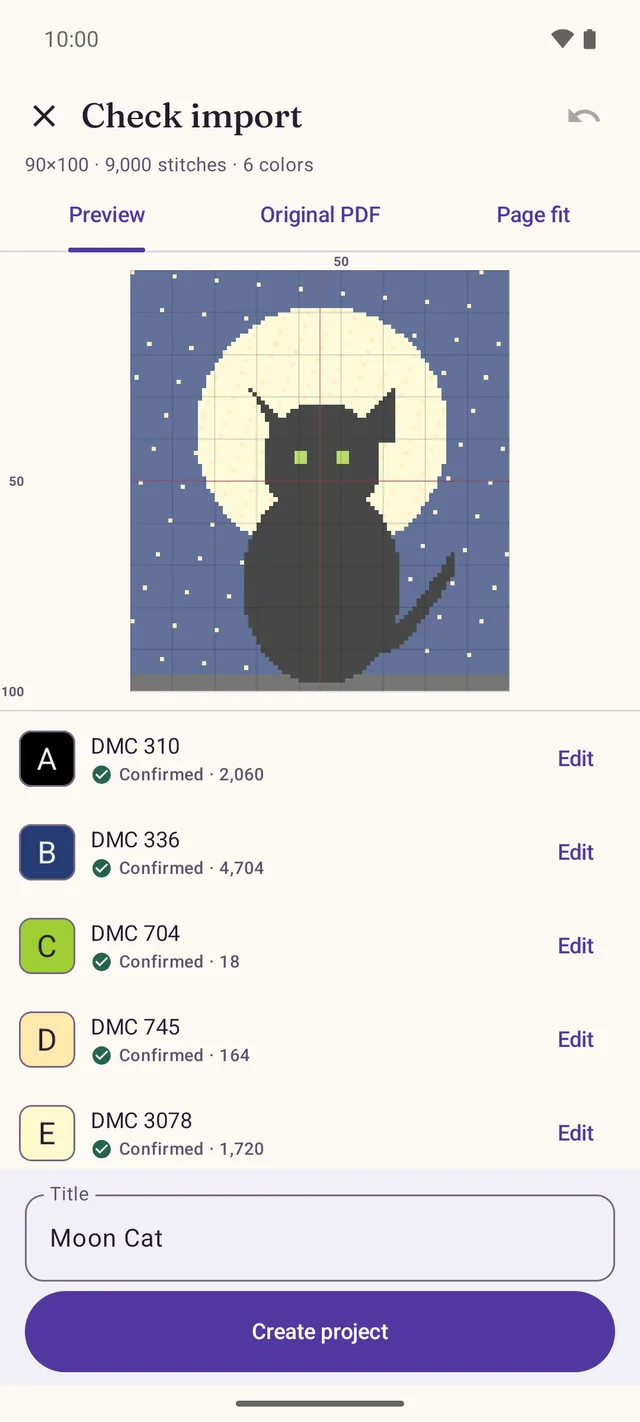
Open your PDF
FlossLume reads the grid, the symbols and the color key of your digital chart.
Check the colors
Pages become one continuous chart, and anything unclear is flagged before you start.
Stitch and mark
Pick a color, mark what you stitched and pick up exactly where you left off.
Works with digital PDF charts that have a grid. If a PDF is not fully readable, the app tells you before importing.
Made for the way you actually stitch
By color, by block or a mix of both. FlossLume keeps up.
The whole chart in one piece
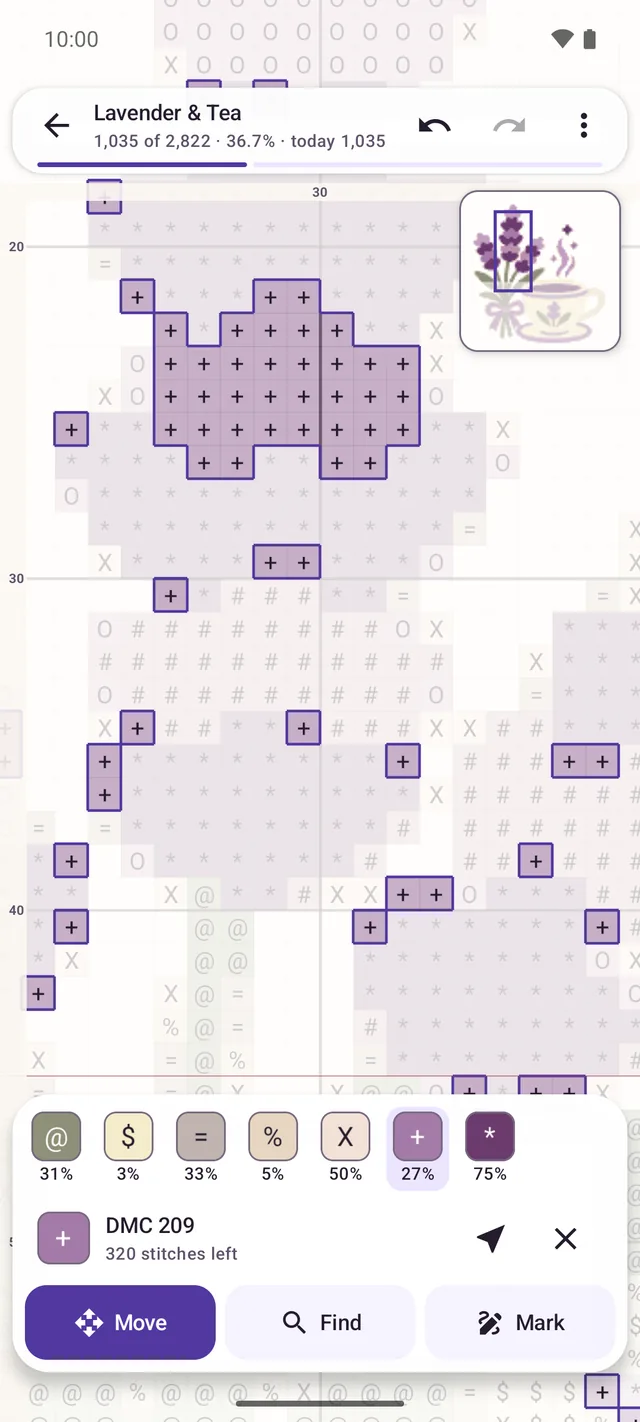
No more flipping between pages: every page is joined into one chart you can pan and zoom.
Only the stitches that matter
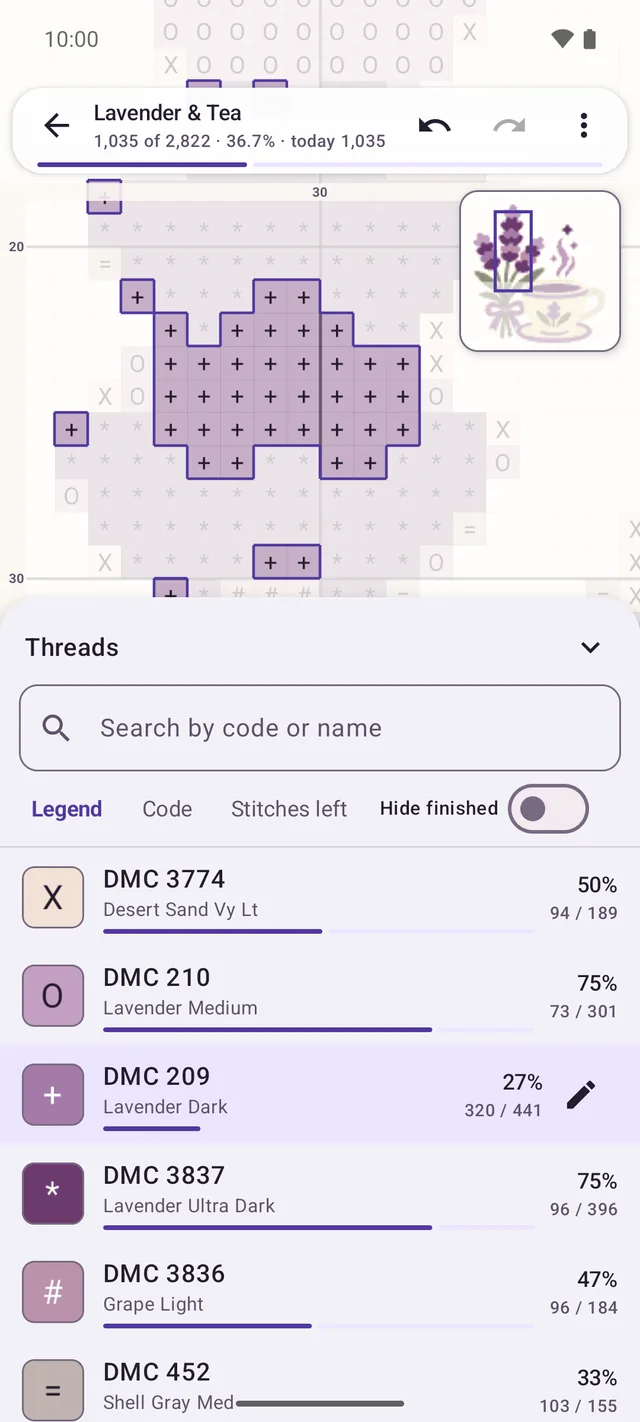
Tap a color and its stitches stand out. The list shows how far along each color is.
Mark your way
Tap, drag, line, area or 10×10 block, with undo. Each chart remembers your tool.
Parked threads, nearest stitch
Note where each thread is parked and jump to the closest stitch. Ideal for confetti.
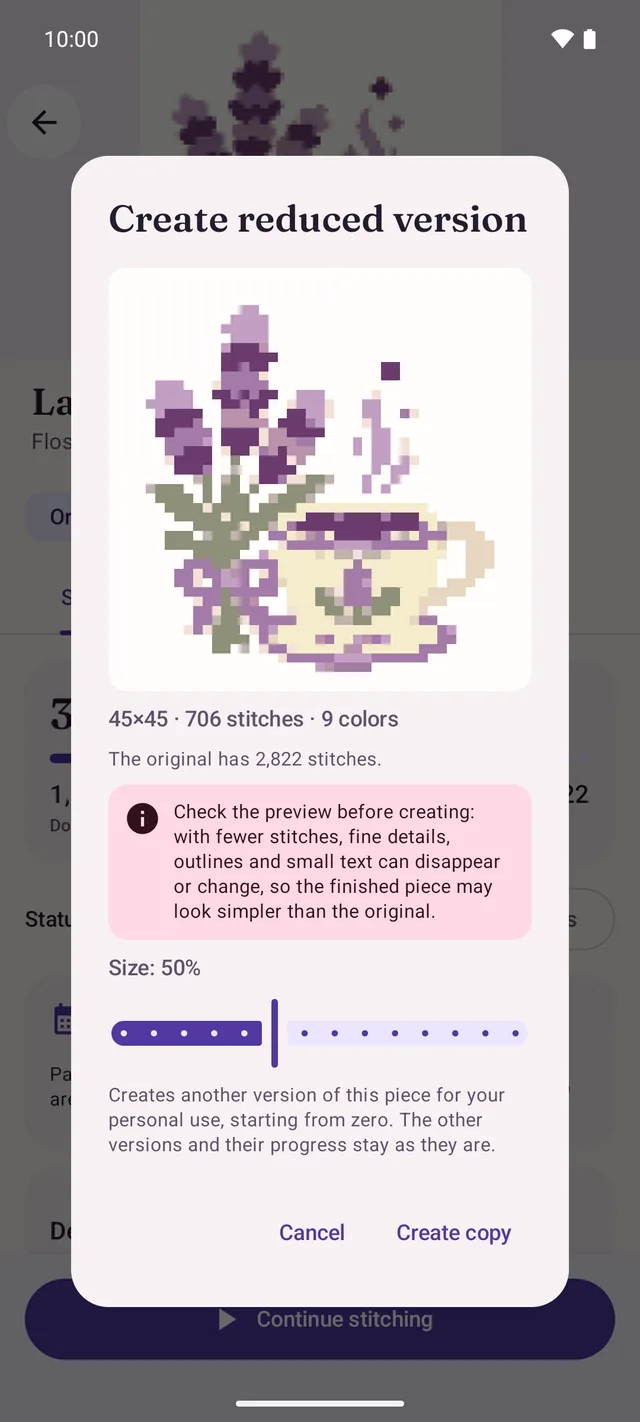
Two versions, one PDF
Start the same chart again, or try a smaller size, with the original kept safe.
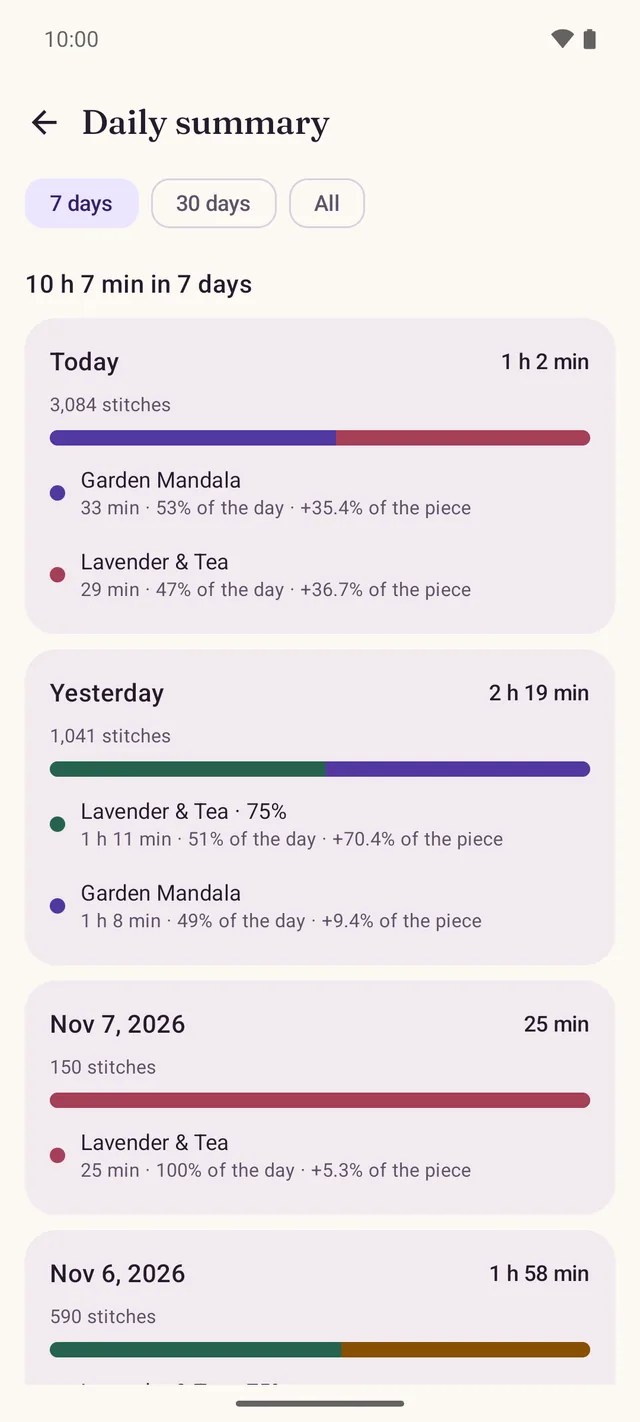
Your stitching, day by day
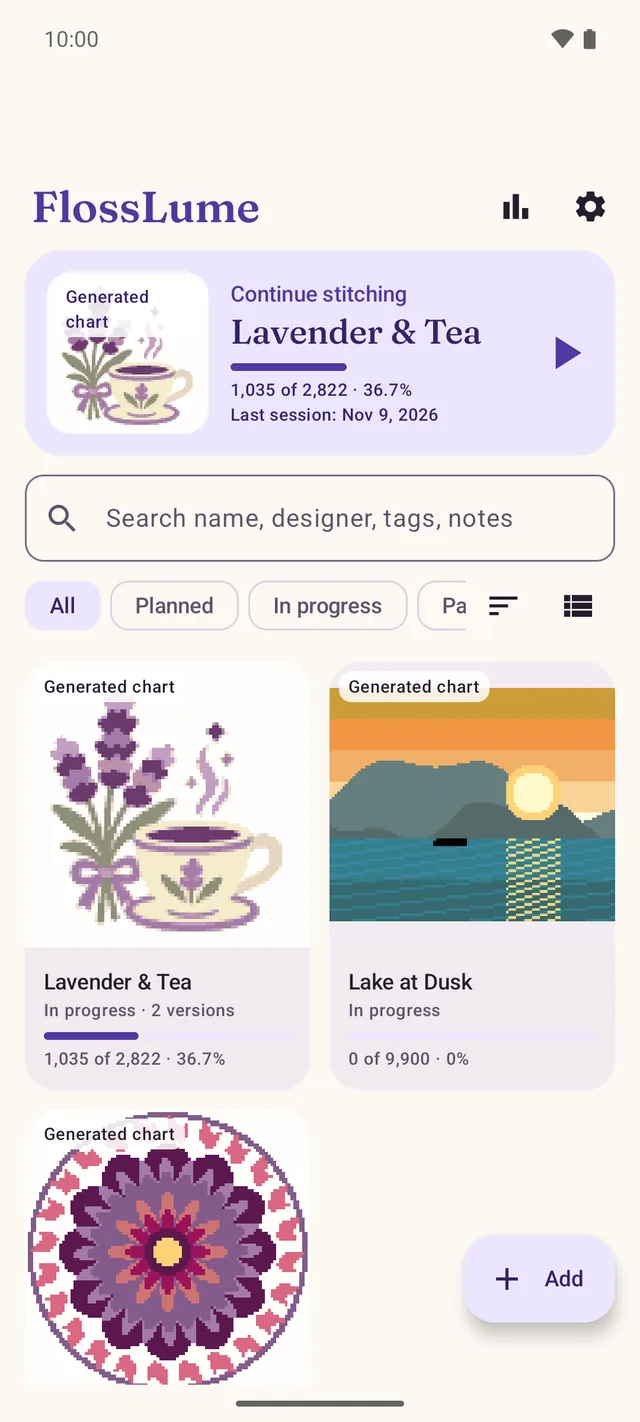
See the time and progress of each project per day, like a little stitching diary.
See it in action
Free to start. Pro when you want more.
Pay monthly, yearly or once for life, through Google Play. Prices appear in the app and vary by country.
Free
Everything you need to stitch a project.
- One active project at a time
- PDF import, color highlight and every marking tool
- Versions of the same chart
- Daily summary of the last 7 days and single-project backup
FlossLume Pro
For stitchers with several projects on the go.
- Unlimited active projects
- Materials list for each project
- Pace and estimated finish date
- Full daily summary
- Backup of everything, manual or automatic
Your charts stay on your phone
FlossLume has no server and no login. It keeps a private copy of your PDF on your device, along with your progress, notes and photos.
Backups are files you save wherever you choose. They never pass through us.
- No account required
- No ads, no tracking
- Charts are never uploaded
- Works without internet
Frequently asked questions
Which PDF charts work?
Most digital PDFs with a grid, using symbols or color-filled cells. Scans and photos of paper charts usually cannot be read. FlossLume always tells you before importing anything incomplete, so you can check first.
Do I need internet or an account?
No account, ever. You can stitch completely offline. Internet is only used by Google Play when you buy or restore Pro.
How do I move to a new phone?
Save a backup file in FlossLume, move it to the new phone (cloud drive, cable or email) and import it there. Your progress comes along. Uninstalling the app deletes its data, so make the backup first.
Can I make a chart smaller?
Yes. FlossLume creates a reduced version and keeps the original. Fine details can be lost when reducing, so check the picture before you start stitching it.
How do I cancel or restore Pro?
Subscriptions are managed in Google Play: your profile › Payments & subscriptions › Subscriptions. Canceling stops the next renewal, and you keep Pro until the period ends. To restore a purchase, open the plans screen in FlossLume’s Settings.
How does the lifetime purchase work?
It is a single payment with nothing to renew, so there is nothing to cancel. If you also have an active subscription, cancel it in Google Play to stop being charged.
Ready for your next stitch?
Free to start. No account. Works offline.